Non-determinism at work
Why the same AI prompt gives different answers, and what to do about it in a professional setting
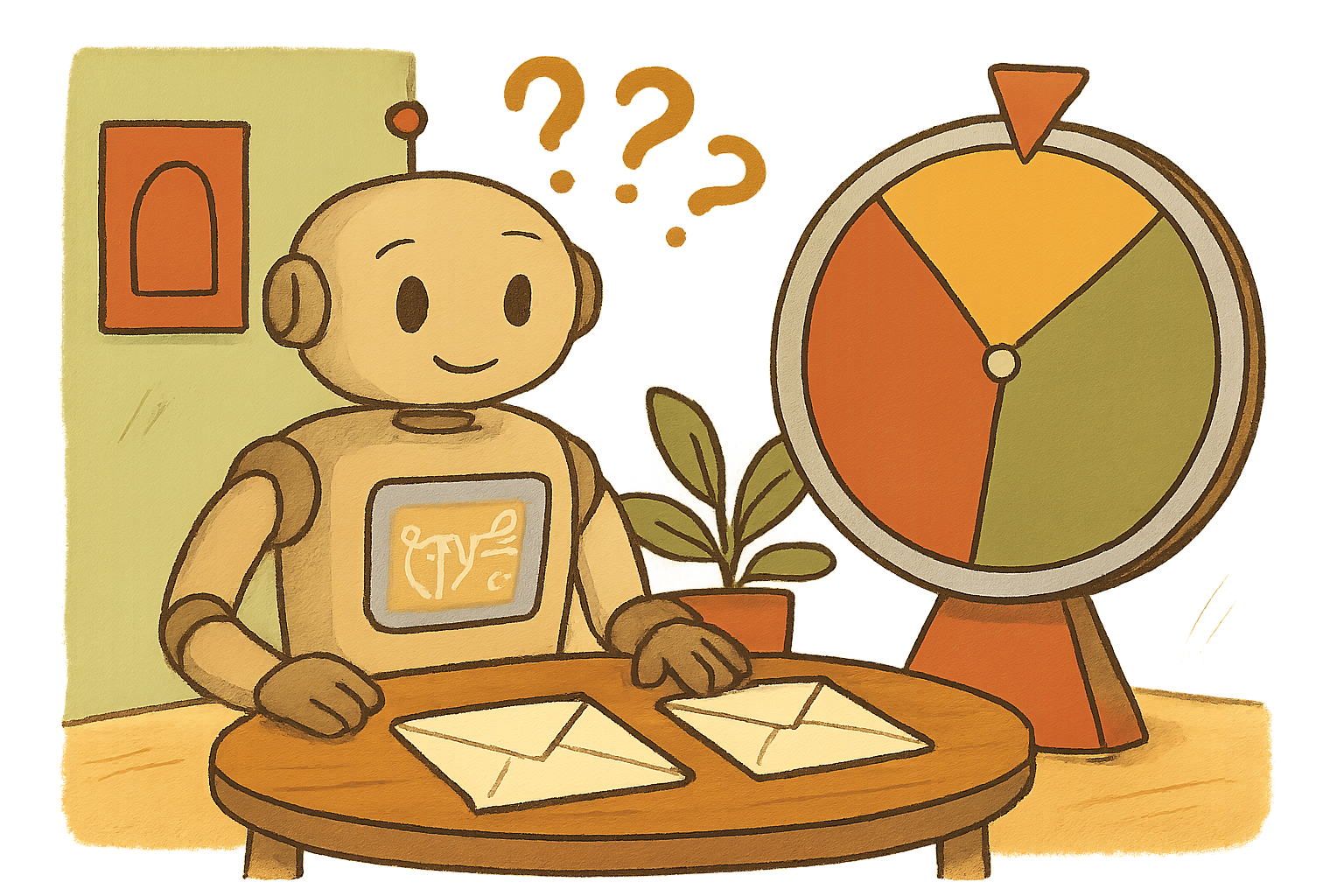
Same prompt, three different answers
Before any theory, let's watch it happen live.
Pick one of the prompts below. Paste it into whichever AI you have to hand (ChatGPT, Copilot, Claude, Gemini, Mistral, take your pick). Run it. Copy the answer. Now open a fresh chat, paste exactly the same prompt again, and compare. Do it three times. Line the three answers up side by side.
It works best if you use a fresh chat window each time, so the AI isn't seeing its own previous replies.
You've probably had this happen at work already. You paste a prompt into ChatGPT (or Copilot, or Gemini) on a Tuesday. On Wednesday your colleague pastes exactly the same prompt into the same tool, and gets a completely different reply. Neither of you is going mad. The AI genuinely produced two different answers to the same question.
That behaviour is called non-determinism, and it is not a bug. It's baked into how these models work. For creative tasks it's a lovely feature: it's why the AI can give you ten fresh headline options instead of the same one over and over. For a compliance report, a customer refund decision, or a contract clause, it's a serious operational risk that most teams find out about the hard way.
Over the next fifty-five minutes we'll take non-determinism apart: where it comes from, where it bites hardest in a workplace, the four levers you actually have to control it, and how to write prompts and processes that keep AI variance on the right side of useful.
Give me a genuinely random whole number between 1 and 100. Just the number, no explanation.
Write a two-sentence email politely declining a customer's request for a refund on a product they used for six weeks before returning it. Warm but firm.
Write the opening two sentences of a summary of a project kick-off meeting between a product manager, a designer, and two engineers. Neutral, business-appropriate.
Line up your three answers and ask:
- How different are the three answers to the same prompt? What varied (wording, structure, tone, the actual facts)?
- For each prompt, would you be happy for a customer or a manager to receive any of the three versions, or would you strongly prefer one over the others?
- Now imagine your organisation is doing this at scale (thousands of times a day). What kinds of problems would that create?
The dice inside the model
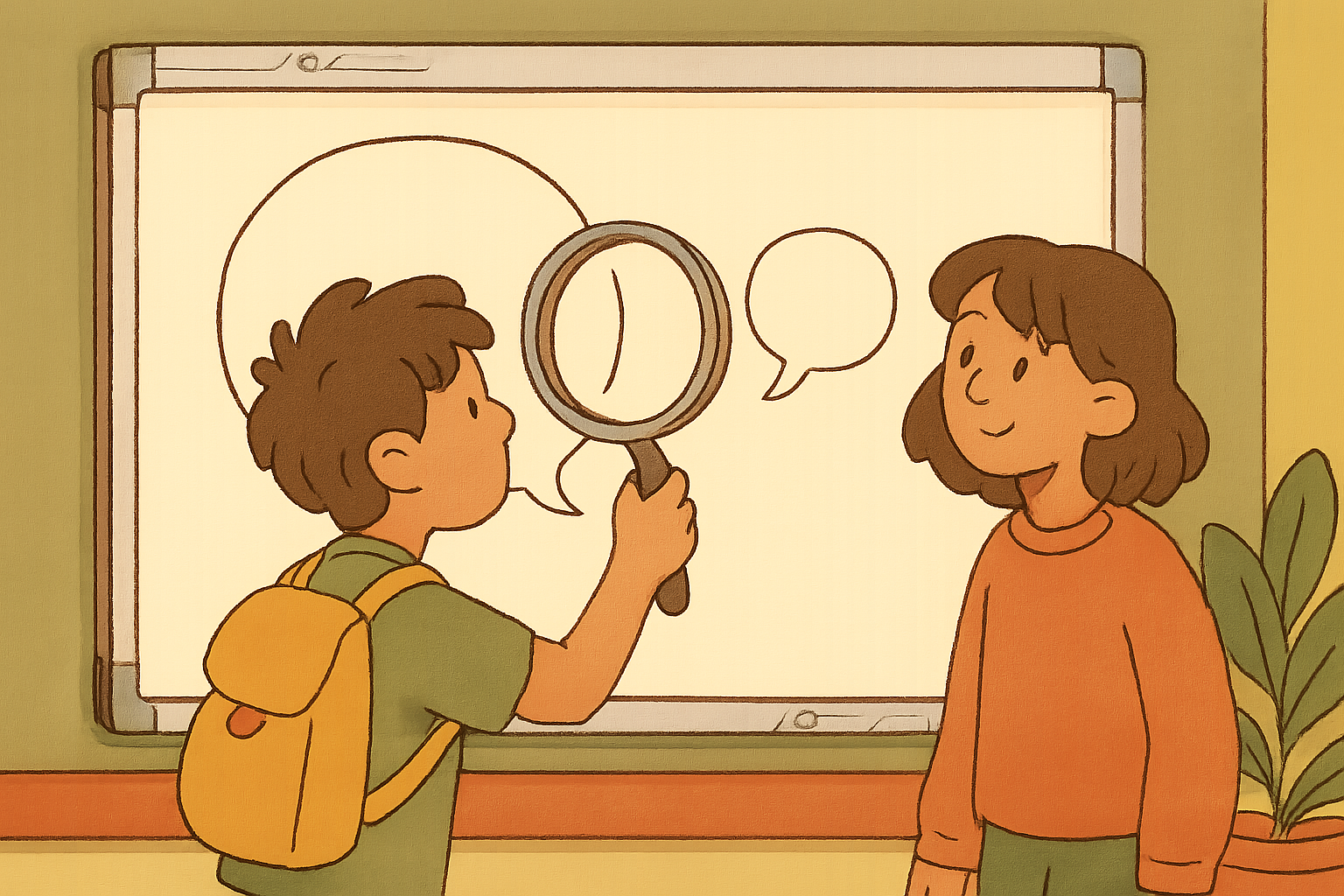
A calculator is deterministic. Type 47 x 3 and you get 141 every single time, on every calculator ever built. A large language model is not like that at all.
At every single step of generating a response, the model works out probabilities for what the next token could be. Given the prompt so far, maybe there's a 42% chance the next token is `The`, an 18% chance it's `A`, a 7% chance it's `In`, and so on down a long tail. Instead of always picking the top of that list, the model samples from it. Most of the time it lands on one of the likely options, but not always the top one, and the tiny random choice at token one changes the probability distribution for token two, which changes token three, and so on. By the end of a paragraph you have a completely different answer.
That sampling behaviour is controlled by a small handful of parameters (temperature, top_p, top_k, sometimes a random seed). Most consumer chat interfaces hide those from you and pick sensible defaults. But whether you can see the dial or not, the dice are always rolling. That's the first thing to internalise: variance is the design, not a defect.
Three places non-determinism bites at work
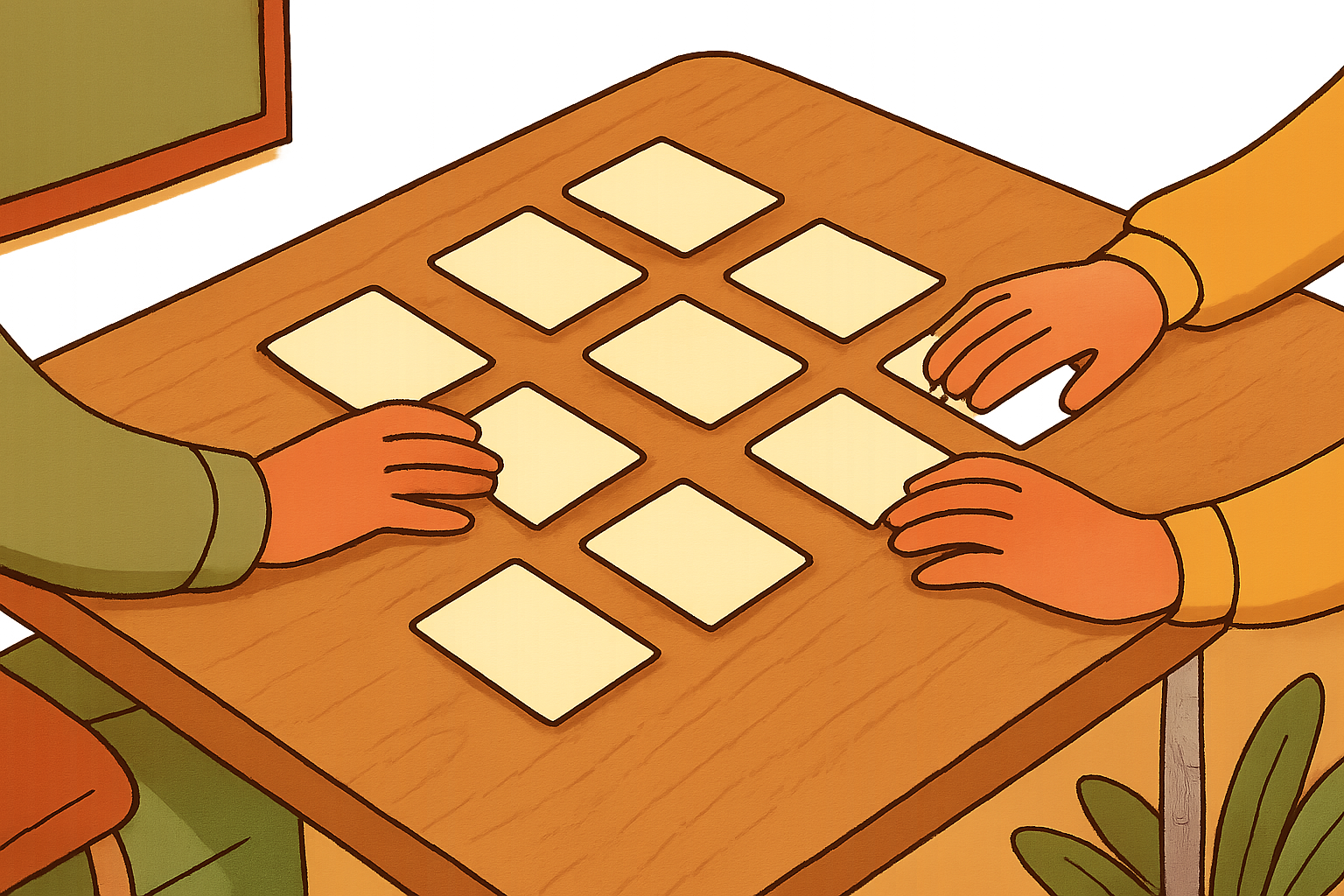
In a personal chat, non-determinism is a mild curiosity. In a workplace, it turns into a set of very real, very costly operational problems.
Before you tap the cards, take a moment: which corner of your own work do you think would be most damaged if the AI answered the same question differently twice?
Tap each card to reveal.
Audit and compliance
Any regulated environment (financial services, healthcare, legal, insurance, HR) has to be able to explain WHY a decision was made and reproduce it on demand. If your AI-assisted process gives a different answer when the auditor re-runs it a month later, you don't have a process. You have a lottery with a paper trail.
Testing and quality assurance
Traditional software tests assume that the same input gives the same output. Point them at an AI feature and they go flaky overnight. Teams end up either lowering the bar (any answer that 'looks about right' passes) or writing complex rubric-based testing frameworks that take months to build.
User trust and internal politics
The moment two colleagues get different answers from the same tool for the same question, trust in the tool starts to drain. You'll spend hours in meetings explaining that no, nobody sabotaged the AI, this is just how it works. That conversation is much easier to have BEFORE the rollout than after.
Notice the pattern: the more your workflow depends on repeatability, the more painful non-determinism becomes. Creative and exploratory work sails through it. Anything that needs a defensible single answer suffers.
Feature or bug?
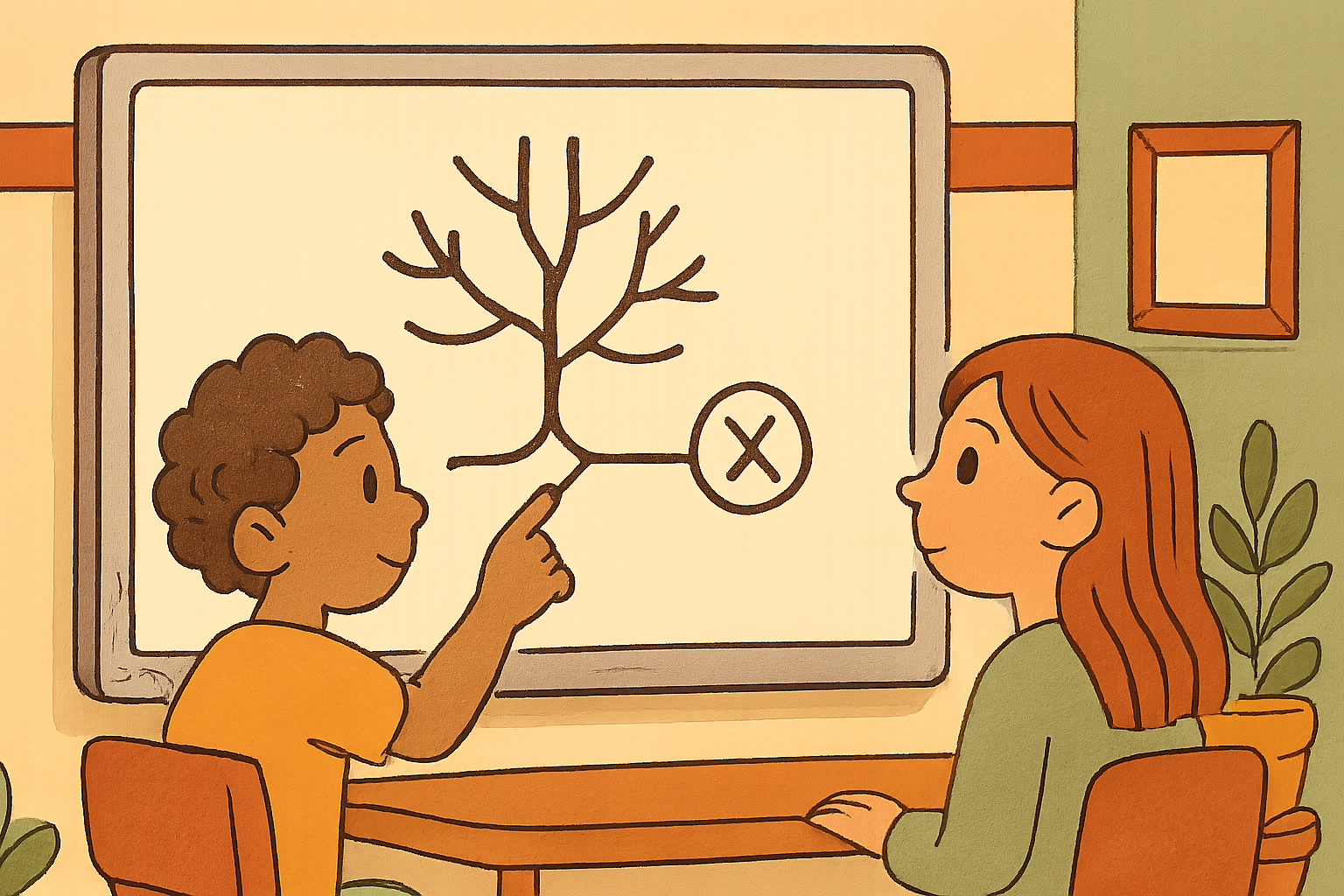
Non-determinism is not always bad. In fact, for a big chunk of AI use it's the whole point. Ten different headline ideas for a campaign, five different subject lines to A/B test, a dozen fresh angles for a blog draft: you WANT variance there. If the AI gave you the same headline every time, you'd stop using it.
The skill is knowing which of your tasks are which. A rough rule of thumb: if the question has a defensible single right answer that a human expert would give the same way twice, treat variance as a bug. If the question has a legitimate range of reasonable answers and you're going to pick the best one, treat variance as a feature.
It sounds obvious written out, but a huge amount of AI-in-the-workplace grief comes from teams accidentally applying a 'feature' tool (chat with high default temperature) to a 'bug' task (produce this compliance summary the same way every time). The tool didn't fail. The framing did.
Four levers to tame it
Once you've decided a task belongs in the 'bug' column, you have real tools available. None of them fully eliminate variance, but together they get you from 'wildly different every time' to 'reliably close enough for the job'.
Before you tap the cards, have a guess: if you had four dials to turn to make an AI more predictable, what would they be?
Tap each card to reveal.
Lower the temperature
Most AI APIs let you set a `temperature` parameter, typically between 0 and 2. Lower means the model picks more predictable tokens; higher means more risk-taking. For most reproducibility-first tasks, temperature 0.0 to 0.3 is your friend. Consumer chat interfaces often default to around 0.7, which is why they feel so chatty. If your platform doesn't expose the dial, ask your IT team what the default is.
Pin a random seed
Some APIs (OpenAI's for example) let you pass a `seed` value. Same prompt plus same seed usually gives you the same output. It isn't a perfect guarantee across model versions, but it moves you from lottery to 'reasonably reproducible'. Worth its weight in gold for any audit trail.
Self-consistency: run it three times, take the majority vote
For classification tasks (approve/refer, positive/negative, high-risk/low-risk), run the same prompt several times and take the answer that comes up most often. Slower and more expensive, but dramatically more stable. A common pattern in serious AI pipelines.
Constrain the output shape
Force the AI to answer in a strict, machine-checkable format: a single word, a JSON object with named fields, a number between 0 and 100. The narrower the shape, the fewer places variance has to hide. This one is under-used and pays for itself immediately.
None of these levers is a silver bullet. All four together, plus a sensible human review step, is how serious teams put AI in front of customers without losing sleep.
Bad prompt, good prompt
The four levers above assume you have API access. Most people don't, most of the time. They're using ChatGPT, Copilot, or Gemini through a browser, where the dials are hidden.
Good news: your prompt itself is a lever. A vague, open prompt gives the model an enormous space to sample from, and every run explores a different corner of it. A tightly-shaped prompt collapses that space. Same model, same defaults, dramatically less variance.
The two prompts below ask for the same thing. Only one of them tells the AI enough about the shape of the answer to keep it consistent between runs. Try both of them three times each in your AI of choice, and watch what happens.
Summarise this customer complaint and tell me what to do about it.
Wide open on almost every dimension: how long, what tone, what fields, how many actions, in what order. Every run picks different defaults. Two colleagues on the same complaint will get incompatible summaries and clash in the review meeting.
You are a customer-service analyst. Read the complaint below and return exactly this JSON: {"issue_category": one of [billing, delivery, product_quality, other], "severity": one of [low, medium, high], "one_line_summary": max 20 words, "recommended_action": one of [refund, replacement, apology_only, escalate_to_manager]}. No commentary before or after the JSON.
Names the role, hands the model a fixed schema, and enumerates the allowed values for every field. Two colleagues on the same complaint now get JSON that either matches exactly or differs on a small, defined field. Trivially checkable downstream, and much easier to audit.
So what would you do?
Time to put the toolkit to work. Imagine you're the operations lead in a mid-sized insurance company. Your CEO has read a magazine article and wants an AI-assisted claims triage system live in six weeks: read each claim, classify it as APPROVE, REFER, or DENY, and write a one-paragraph explanation of the decision for the claims handler.
You've done the starter demo. You know the model can give three different classifications for the same claim across three runs, and that the explanations drift in wording every time. Your CEO is not thinking about any of that. Your compliance team, when they find out, absolutely will be.
You have a week to draft the plan. What's the strongest first move?